

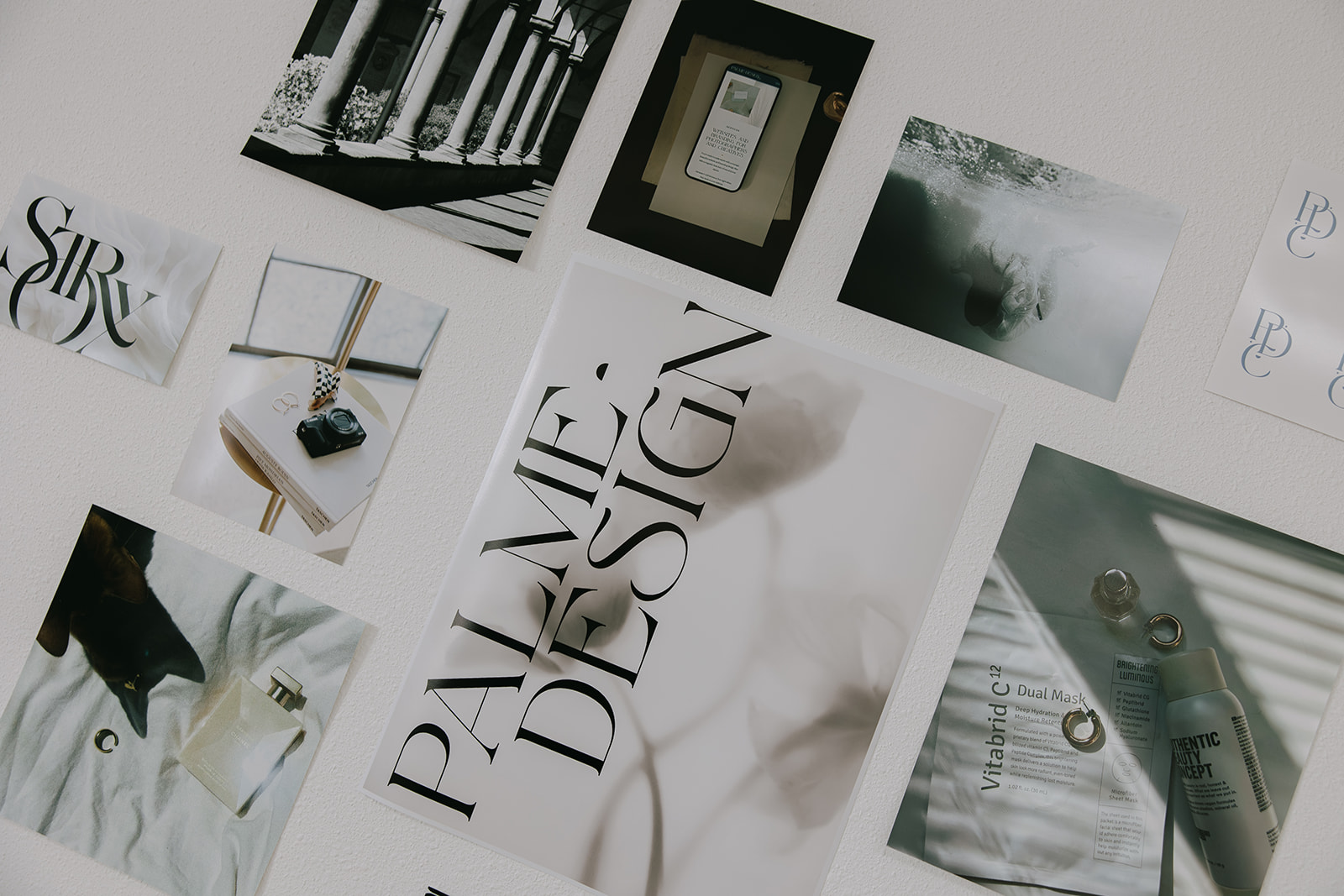
Before a single logo is designed, before a color palette is chosen, before your website goes live, there’s one step that makes everything else easier, clearer, and more intentional.
The mood board.
If you’ve ever tried to describe your brand vision to a designer and struggled to find the words (or received a first draft that looked nothing like what you had in your head) a mood board is the thing that bridges that gap.
It’s not just a Pinterest board of pretty images. It’s a strategic visual tool that captures the feeling of your brand before anyone picks up a design program. And for wedding photographers who want to attract a specific type of client, it might be the most important thing you create before investing in a rebrand or new website.
Here’s exactly how to create a mood board as a wedding photographer.
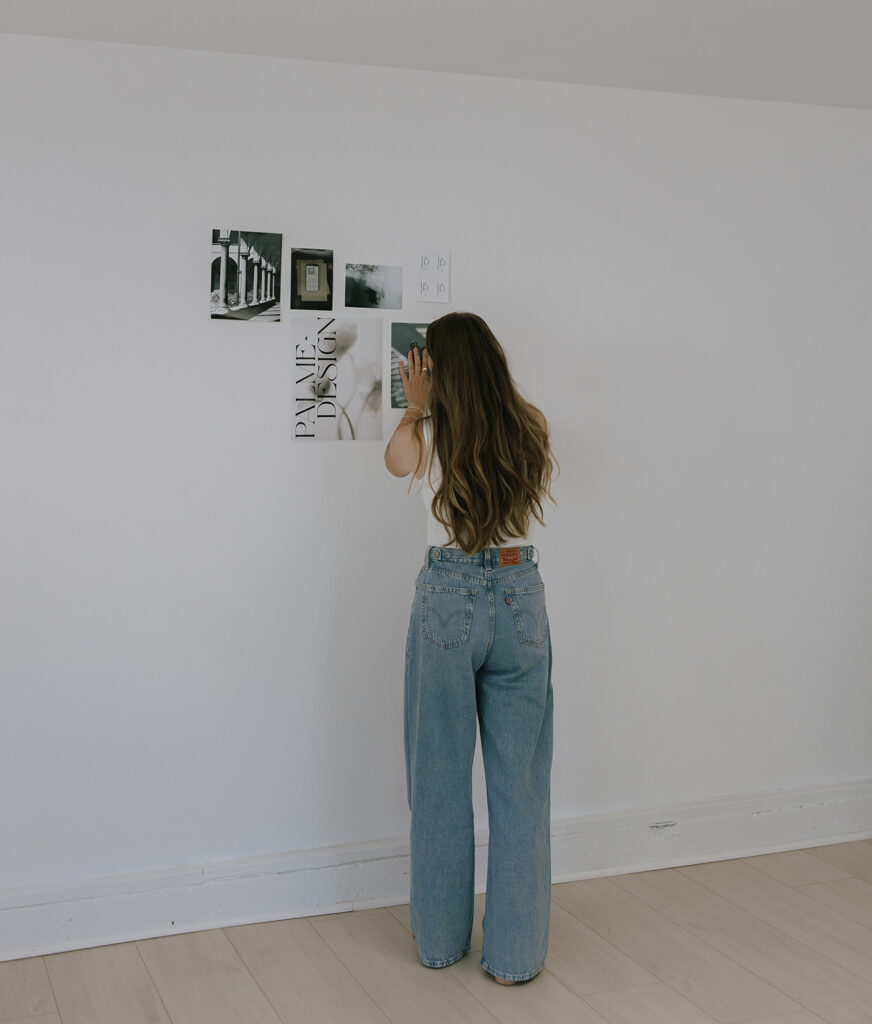
What Is a Mood Board for Photographers, And Why Does It Matter?
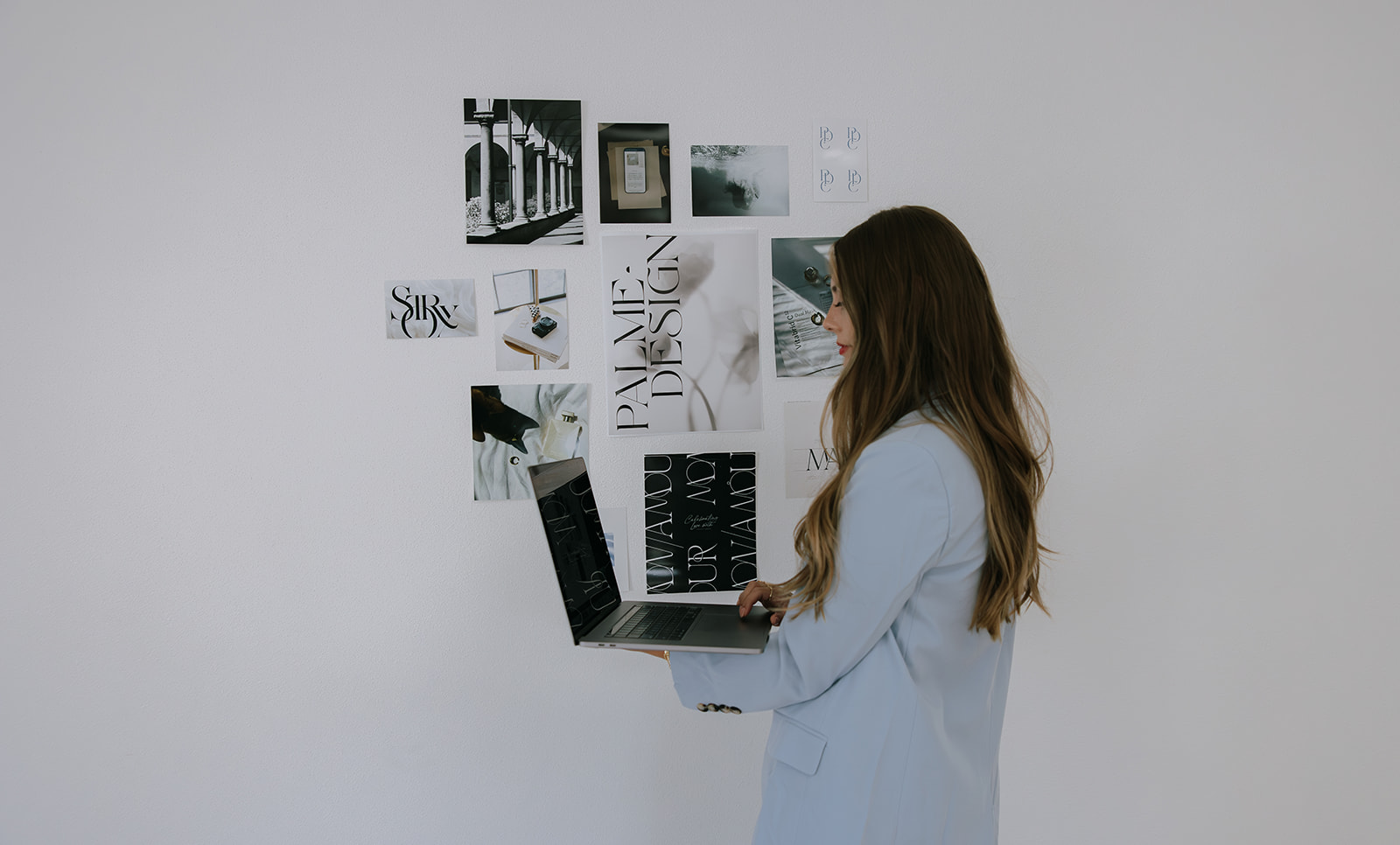
A mood board is a curated collection of images, colors, textures, fonts, and visual references that capture the feeling and direction of your brand.
The key word there is feeling. Not just aesthetics. Feeling.
When a luxury couple lands on your website, they’re not consciously analyzing your font choices or color palette. They’re feeling something, and in about three seconds they decide whether that feeling matches what they’re looking for in a photographer.
A strong mood board ensures that every visual decision you make (your logo, your website, your Instagram grid, your client materials) is working together to create that feeling intentionally and consistently.
For wedding photographers specifically, your mood board is also an incredibly powerful communication tool. When you work with a designer, a mood board eliminates guesswork entirely. Instead of trying to describe your vision in words, you show them exactly what you mean. The result is a brand that actually looks like what you had in your head.
Step 1 Get Clear on the Feeling Before You Start Collecting Images
This is the step most photographers skip, and it’s the reason their mood boards end up looking like a random collection of beautiful images rather than a strategic brand direction.
Before you open Pinterest or Canva, sit with these questions:
Who is your dream client? Not just “couples who value photography” Get specific. Are they planning a black tie ballroom wedding or an intimate outdoor elopement? Are they drawn to editorial and fashion-forward aesthetics or something warm and timeless?
What three words do you want them to feel when they land on your website? Elevated and assured? Warm and effortless? Bold and editorial? Write these down. They become your filter for every image you collect.
What photographers, brands, or aesthetics do you admire? Not to copy, but to understand the visual language that resonates with you and your ideal client.
Once you have clarity on the feeling, every image you collect should pass one simple test: does this capture the feeling I just described? If yes, keep it. If not, leave it.
Step 2 Collect Your Inspiration on Pinterest
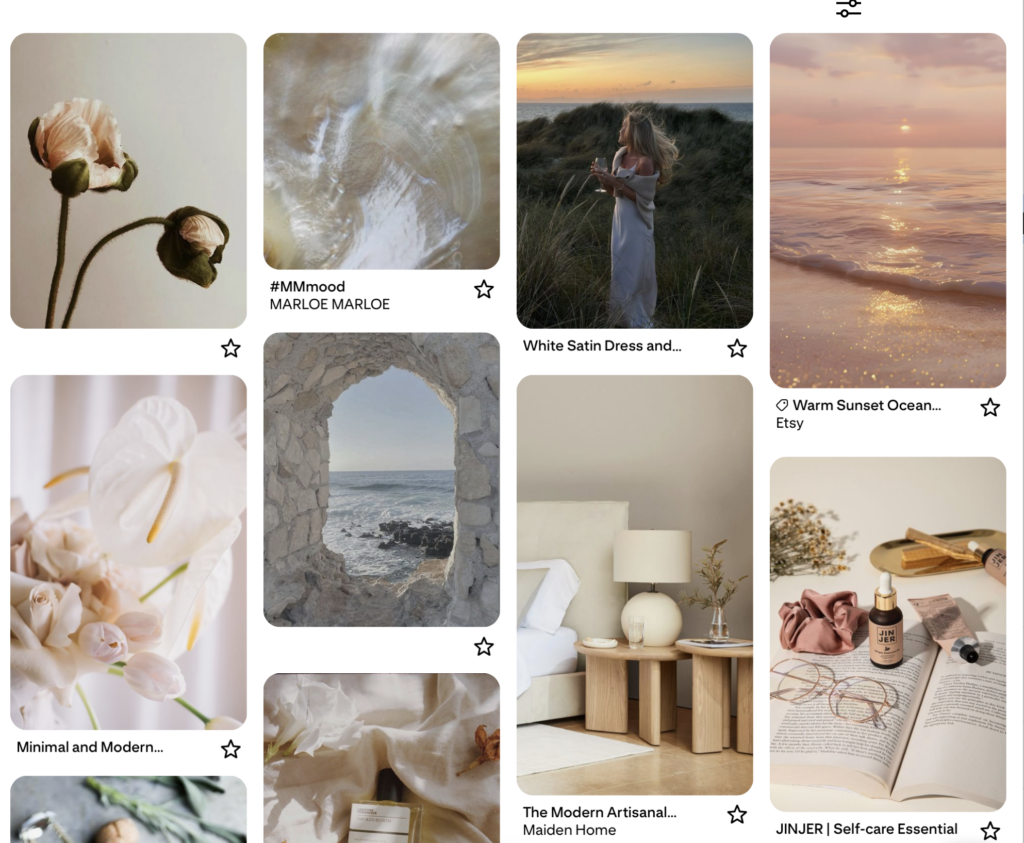
Pinterest is your best friend for building a mood board for photographers — and it’s completely free.
Create a private Pinterest board specifically for this project. Private is important — you want this to be a working tool, not a public-facing curated feed.
Start broad. Search terms like:
- luxury wedding photography aesthetic
- fine art wedding photographer branding
- editorial wedding photography
- luxury brand identity design
- wedding photographer website design
- [your dream venue or location] wedding
Pin anything that captures the feeling you identified in Step 1. Don’t edit yourself yet, just collect. Aim for 40 to 60 images in this first phase.
What to look for:
- Photography styles and editing aesthetics that feel aligned with your work
- Color palettes that evoke the right emotion
- Typography and font styles that feel like your brand
- Website layouts and design aesthetics you’re drawn to
- Textures, fabrics, florals, and details that communicate your brand feeling
- Other photographer brands that feel aspirational
Step 3 Edit Ruthlessly Down to 10 to 15 Images
Here’s where most mood boards go wrong: too many images, not enough cohesion.
Go back through your Pinterest board and look for the thread. What do the images that resonate most deeply have in common? Is it the light? The color palette? The level of editorial polish? The warmth?
Edit down to 10 to 15 images maximum. These should feel like they all belong to the same world, the same story. If an image is beautiful but doesn’t fit the thread, remove it. You’re not collecting inspiration anymore. You’re making decisions.
Ask yourself for each image: if a dream client saw this, would it make them feel exactly what I want them to feel about my brand?
If the answer is yes, keep it. If you hesitate, cut it.
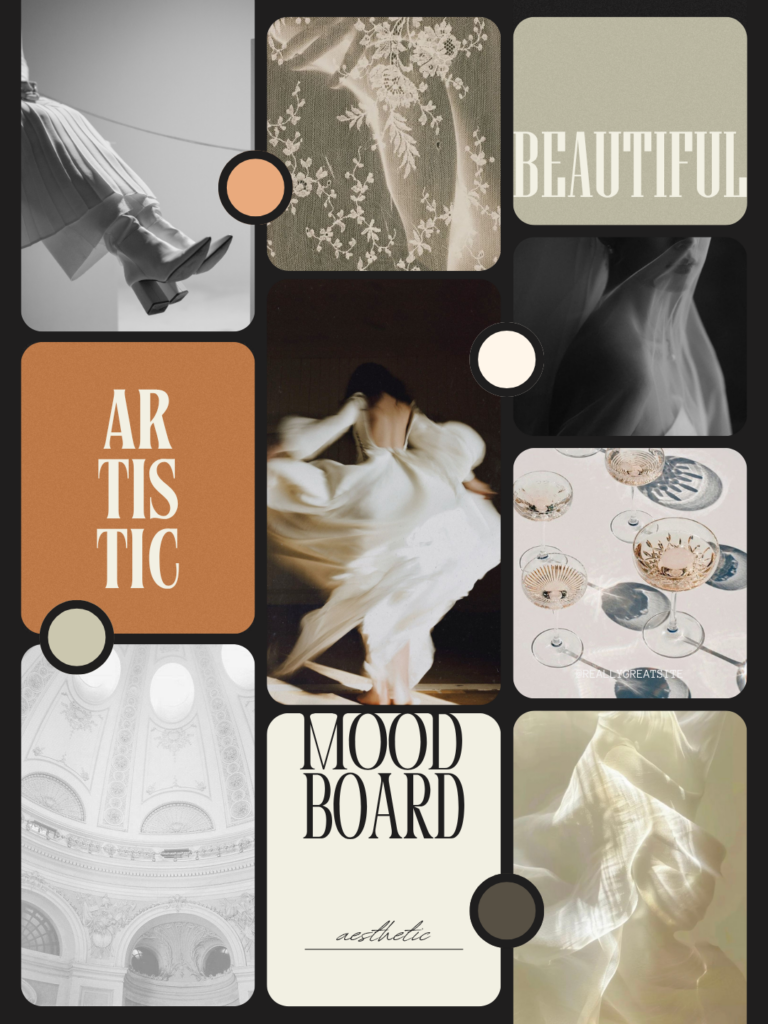
Step 4 Assemble Your Mood Board in Canva
Once you have your 10 to 15 curated images, it’s time to bring them together into a single cohesive document. Canva makes this incredibly simple.
Here’s how to set it up:
Open Canva and create a new design. A landscape A3 or presentation size (1920 x 1080px) works beautifully for mood boards.
Arrange your images in a grid or collage layout, you can find mood board templates in Canva by searching “mood board” in the templates section. Choose something clean and minimal that lets the images speak without competing with the layout.
In addition to your curated images, include:
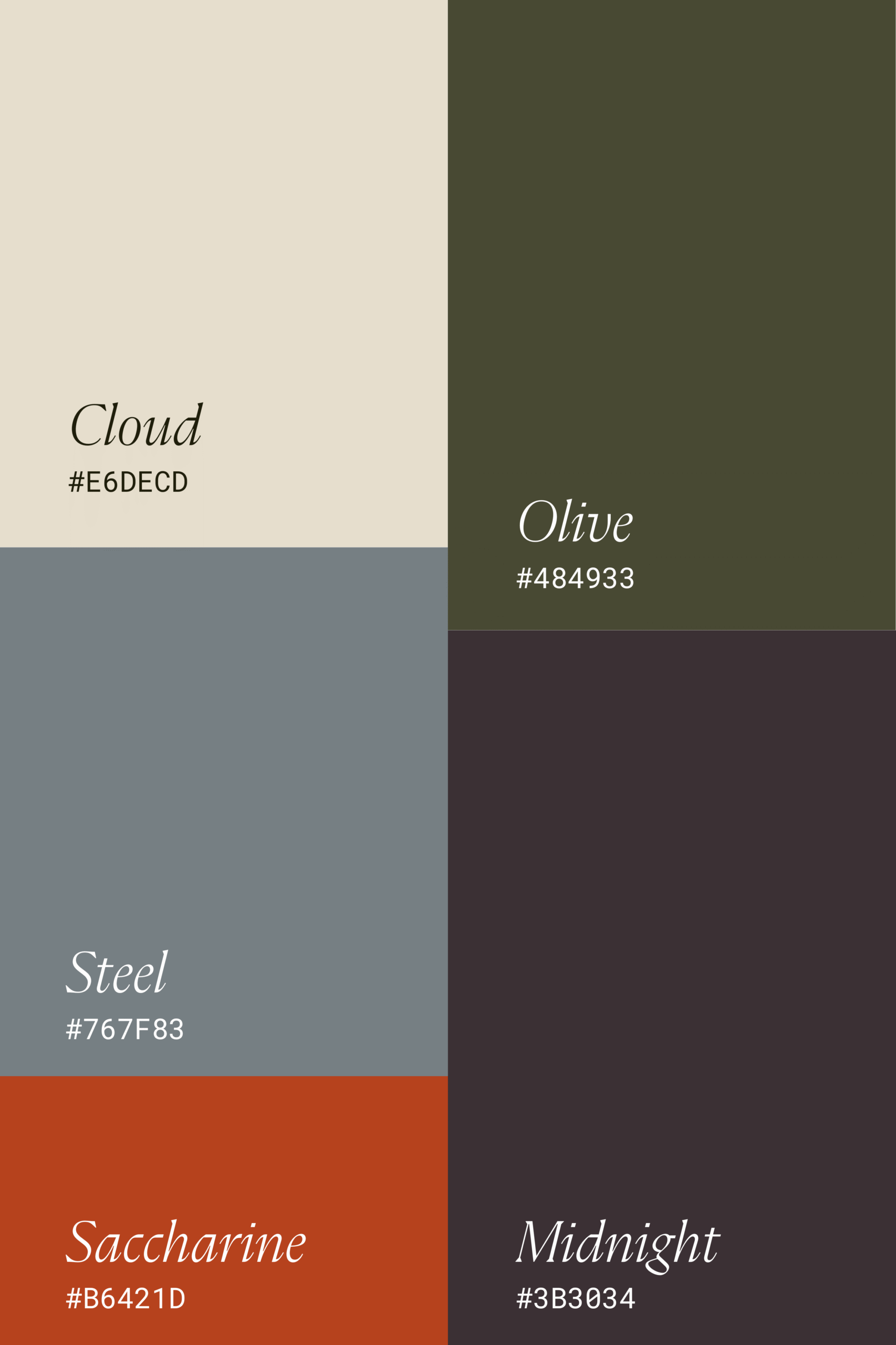
Color palette — pull 4 to 6 colors directly from your images using Canva’s color picker or a tool like Coolors. These become the foundation of your brand color palette.
Typography references — screenshot or note any fonts from your inspiration images that feel aligned. Include 1 to 2 header font references and 1 body font reference.
3 feeling words — add your three brand feeling words from Step 1 directly onto the mood board in a clean, minimal font. These anchor every visual decision to the emotion you’re trying to create.
Your dream client description — one sentence. Who is this brand speaking to? Keep it visible as a reminder of who every design decision is for.
Keep the overall layout clean, spacious, and easy to read. A mood board that’s too busy defeats the purpose, it should create clarity, not chaos.
Step 5 Use It As Your Brand North Star
Your mood board is not a one-time deliverable. It’s a living reference tool that guides every creative decision you make going forward.
Share it with your designer before your branding or website project begins. A strong mood board cuts the back-and-forth in half and ensures the first draft lands much closer to your vision.
Reference it when making content decisions — does this Instagram post feel aligned with the mood board? Does this blog graphic? Does this email template?
Use it to evaluate your current brand — hold your existing logo, website, and social media up against your mood board. Does everything feel like it belongs to the same world? If there are gaps, that’s where the work is.
Revisit it annually — your brand should evolve as your business evolves. Check in with your mood board once a year to make sure it still captures where you’re headed, not just where you’ve been.
A Note on Mood Boards vs. Inspiration Boards
These two things are often confused, and the difference matters.
An inspiration board is a broad collection of images you love. It’s where you start.
A mood board is a curated, intentional document that captures a specific brand direction. It’s where you end up after editing, refining, and making decisions.
One is a starting point. The other is a strategy.
What you’re building in this guide is a mood board, not just a pretty Pinterest board. That distinction is what makes it actually useful when it’s time to bring your brand to life.

Ready to Turn Your Mood Board Into a Brand?
Creating a mood board is the first step. The next step is bringing it to life through strategic branding and a website that makes your dream clients feel exactly what you intended.
If you’re a wedding photographer who’s ready to stop blending in and start attracting the clients you’re truly meant to serve, I’d love to help. My branding package takes everything your mood board captures and translates it into a complete brand identity: logo suite, color palette, typography system, and everything in between.
Because a mood board without execution is just a Pinterest board. Let’s build the real thing.

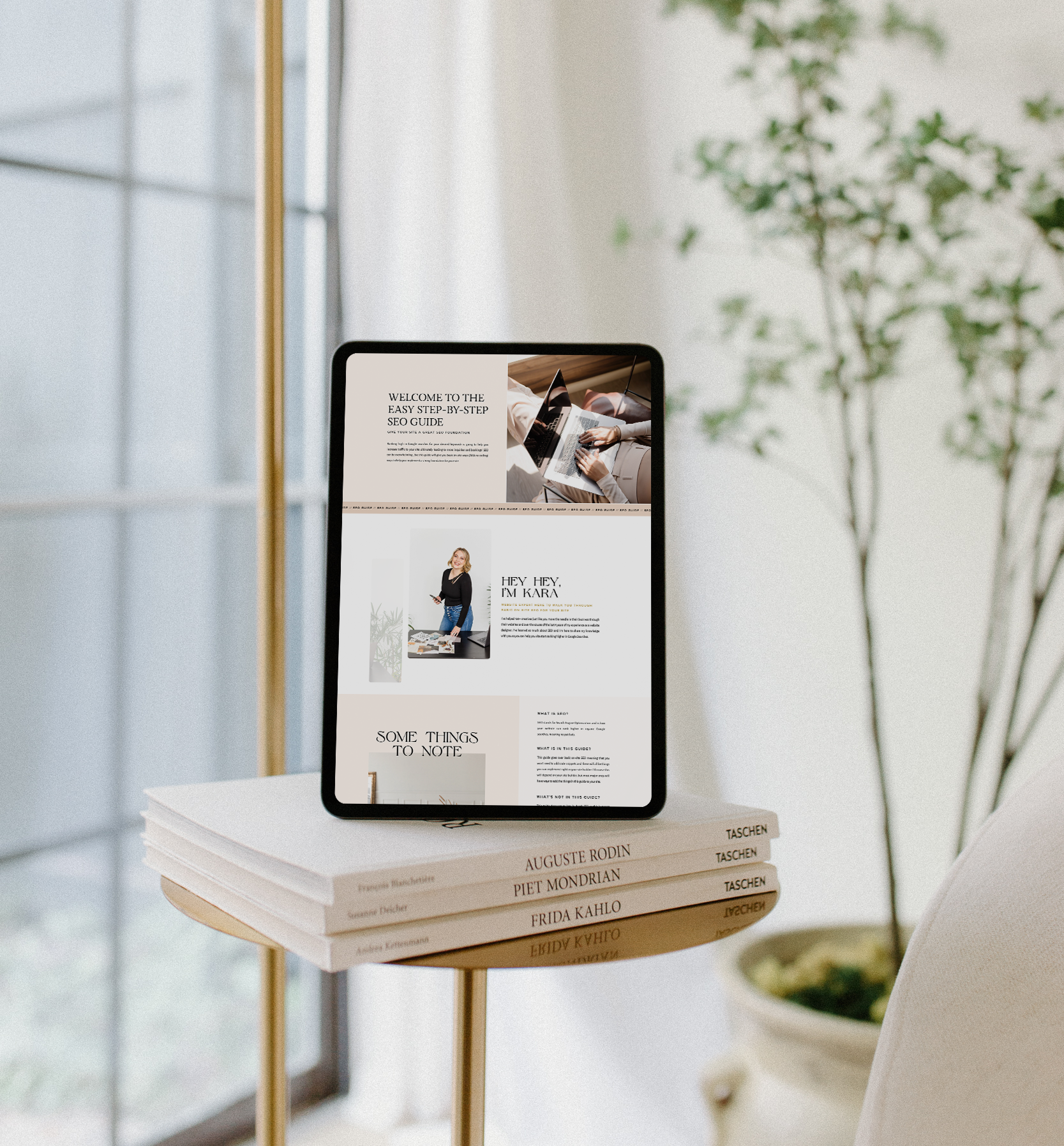

Inside this guide I will give you actionable, step-by-step tips that you can implement in your website right away to lay a strong SEO foundation and start seeing better SEO results so you can get organic leads to your site so qualified potential leads can easily find you on Google.
easy SEO Guide To help you have a good seo foundation to Get Your Site Found on Google
free download


